
Inside the replay desk: how a highlight gets cued and cut
A look at how replay and slow-motion operation works during a live show: the preparation, the cueing habits and the talkback that let a moment return to air within seconds.
· · 6 min read
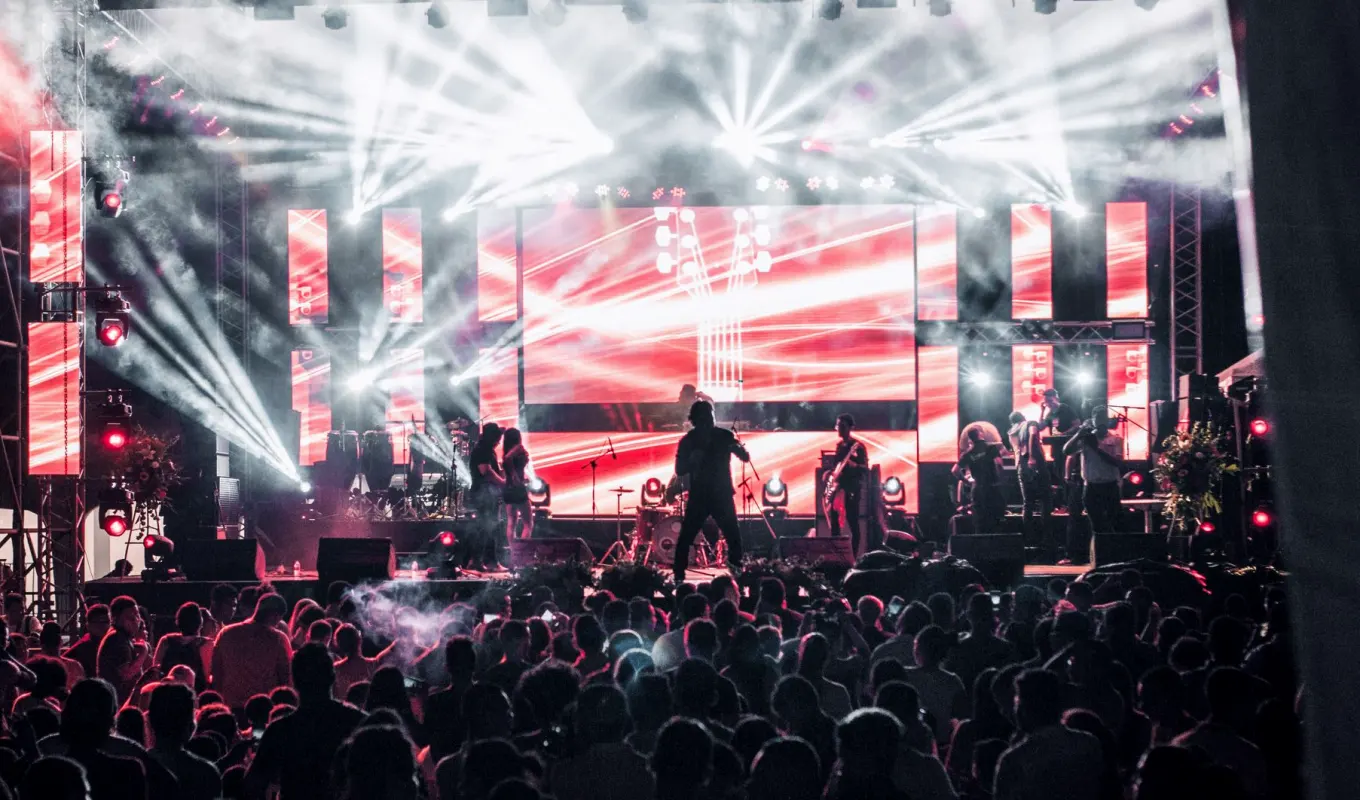
The desk before the doors open
A replay operator's work starts well before the first camera goes live. On arrival I check which camera feeds are recorded, how many channels the replay server has, and whether every input is arriving at the right format. A mislabelled channel is easy to fix at noon and very awkward during the first song.
I then sit with the technical director and agree the vocabulary we will use on talkback. Camera numbers, short names for stage positions and a clear word for 'play now' all get settled early. On a festival stage with several acts, the same words must work for every set, including the ones nobody has rehearsed.
Last, I build the desk to suit the show. Sport needs a bank of quick-access clips; a concert wants fewer, longer moments. I set up the playlist, test the slow-motion speeds and make sure the controller sits where my hand falls without looking.
- Confirm which cameras are recorded and on which channels
- Agree talkback words with the technical director
- Test slow-motion speeds and playback output before rehearsal
Cueing while the show is running
Once the show is live, most of my attention is on the recorded feeds rather than the programme output. I am watching for the moment that has just happened and marking it as it passes, because the mark is what lets me find it again in seconds. A late mark means searching, and searching costs time the director does not have.
I usually mark generously and discard later. A clip I never use costs nothing; a moment I failed to mark cannot be recovered. During busy passages I keep the last few marks in a short list, ordered so the best angle sits at the top.
When the director asks for a replay, I answer with the angle I have ready and how long it runs. That short reply matters. It lets the gallery decide whether to wait for it or carry on, and nobody is left guessing what is coming.
- Mark moments as they pass, not afterwards
- Keep a short ordered list of the freshest clips
- Answer the director with the angle and the running time
Choosing the right angle and speed
Not every moment deserves slow motion. A guitarist's solo or a crowd reaching a chorus may read better at normal speed from a different camera, while a dive, a tackle or a thrown streamer benefits from being slowed. I make that choice quickly, and I try to be consistent so the audience learns how replays look in this show.
Angle matters as much as speed. A wide shot shows what happened; a tight shot shows how it felt. When the recording allows, I offer the director two angles in sequence, wide first and then close, because together they tell the whole story of a moment.
Speed also has to suit the clip length. Slowing a short action too far makes it drag and leaves the live programme waiting. I would rather run a replay slightly faster and return to live on time than let it overstay.
Talkback is the real tool
People often imagine the replay desk as a machine, but it works as a conversation. The technical director tells me what is coming, I tell the director what I hold, and the vision mixer needs to know when a replay will take the programme output. If any of those three is unsure, the replay arrives late or at the wrong moment.
I keep my talkback calm and brief. 'Ready, camera three, two seconds of lead-in' is enough. Long explanations in the middle of a show take attention from the people who need it, and a quiet gallery is easier to direct than a chatty one.
When something goes wrong, such as a camera dropout or a clip that will not play, I say so at once and offer an alternative. Silence is the one answer that never helps, because the director will keep waiting for something that is not going to arrive.
- Short, predictable phrases on talkback
- Report faults immediately and offer an alternative
What goes wrong and how we plan for it
The commonest problems are ordinary ones. A recorded channel loses sync with the programme feed, a drive fills up sooner than expected, or a controller is knocked off its settings between acts. None of these is dramatic, but each can cost a replay at the worst time.
So I carry a short routine. I check free storage before each act, glance at the sync of every recorded input, and keep a second set of playlist settings saved. If the main desk fails, a backup clip list lets us keep going with fewer angles instead of none.
I also tell the production manager early if the plan demands more replay channels than the kit provides. Raising it during preparation means a solution can be found. Raising it at the start of transmission means we simply do less, and that is a poorer outcome for everyone.
- Check storage and sync before every act
- Keep a saved backup playlist ready
- Flag channel shortages during preparation
Working with the rest of the crew
A replay operator is only useful if the cameras are shooting with replays in mind. I talk to camera operators before the show about holding a shot a moment longer after an action, or keeping a wide angle available when a close one is live. Small habits like these give me much better material to work with.
I also speak with the vision mixer about where replays should sit in the show's rhythm. In a concert they usually fall between songs or over a long instrumental passage; in a party broadcast they can be more frequent. Agreeing this beforehand keeps replays from interrupting something better.
Afterwards, I go back through the marked clips with the team and note what worked. A good highlight is usually the result of a dozen small decisions made calmly, and talking them through is how our next show gets a little smoother.
Replay looks like a button press from the outside, but most of it is preparation, steady marking and clear talkback. When the desk is set up properly and the crew shares the same words, a moment can return to air within seconds and sit naturally inside the programme. That is the standard I work towards on every show, whatever the stage or the season.