
What we put on the desk when training your crew to run a switcher
A look at the kit, rehearsal material and teaching methods we rely on in operator training, and why we practise on a real control room layout rather than slides.
· · 5 min read
Start with your own show, not a generic demo
Before anyone touches a fader, we ask for the running order, the camera plot and any graphics your show will use. Training built on a generic demo teaches button names; training built on your own programme teaches decisions. Operators learn why shot three follows shot one at the chorus, and what to do when a presenter walks out of frame.
From that material we build a practice session that mirrors the real event as closely as the venue allows. If you have six cameras on the night, we rehearse with six sources, even if some are pre-recorded clips played back on a loop. The aim is to make the first live cut feel like the tenth.
Tom, who writes this as the streaming engineer, usually joins the planning call to check that sources, resolution and frame rate match the show chain. A mismatch found in a Tuesday session costs nothing; found during transmission it costs a great deal.
- Running order and camera plot
- Graphics and lower-third lists
- Planned replays and pre-recorded clips
- Frame rate and resolution of every source
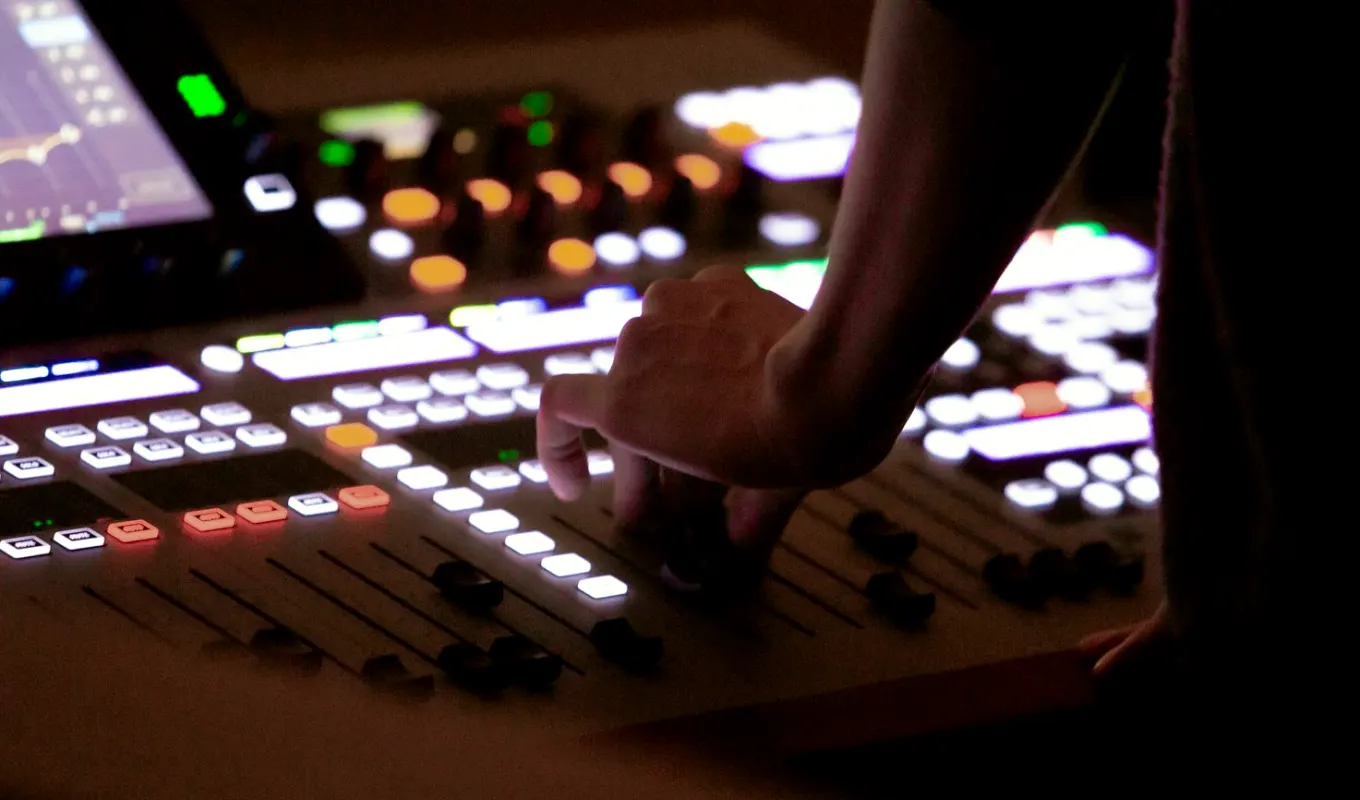
A switcher panel that matches the one you will use
Operators learn fastest on the hardware they will be handed on the day. Where your team hires or owns a particular switcher, we set up the same model or the closest control surface we can bring, with the same button layout and bus logic. Muscle memory built on the wrong panel has to be unlearned later.
We keep the setup deliberately simple at first: a programme bus, a preview bus, a handful of cameras and a single transition type. Complexity arrives in stages, so nobody is asked to run keyers and macros before they trust a straight cut.
Each trainee spends time in both roles, switching and watching. Sitting beside the operator, listening to the director and reading the multiviewer, teaches timing in a way no manual does.
Multiviewers, talkback and the sounds of a gallery
A control room is as much about listening as looking. We rig a proper multiviewer wall, even a compact one, so trainees learn to read preview, programme and incoming feeds at a glance. We also set up talkback with headsets, because the discipline of short, clear instructions is half of calm operation.
Many first-time crews are surprised by how quiet a well-run gallery is. We teach standard cueing phrases: stand by, ready, take. Each one has a single meaning, and everyone says it the same way. That is not formality for its own sake; it removes guesswork when attention is split across a dozen screens.
We practise talking through mistakes calmly. A wrong cut is announced, corrected and forgotten, and the show goes on.
- Multiviewer layout with labelled sources
- Headset talkback for every seat
- Agreed cueing phrases used by all
Rehearsal recordings and the review that follows
We record every practice run, programme output and, where possible, the talkback channel. Playing it back afterwards turns impressions into facts. An operator who felt rushed can see that the cuts were in fact well timed, and one who felt confident can see a late camera change.
Reviews are short and specific. We pick three moments, a good one, a missed one and a close call, and talk each through. Trainees leave with notes tied to timestamps rather than general advice.
Because the recordings come from your own show material, they also help your wider team. A producer who has watched the rehearsal output understands what the gallery can realistically deliver.
Checklists and fault drills
Calm on the night comes from preparation. We hand your team a written line-up checklist covering power, signal paths, tally, intercom, graphics and the streaming or recording chain, and we walk through it together until it becomes routine.
Then we break things on purpose. A camera drops out, a graphic fails to load, an encoder restarts. Trainees practise the first thirty seconds of each fault: tell the director, switch to a safe source, check the cause only when the show is covered. Having done it once in rehearsal changes how people react live.
We keep these drills modest and fair. The purpose is confidence, not catching anyone out.
- Power and signal path check
- Tally and intercom check
- Safe-source fallback for each fault
Leaving your team able to run it without us
The measure of good training is that your crew can run the next show alone. We finish with a full run-through in which our people only observe, then leave a short written reference with your own camera plot, bus assignments and fault steps.
Some teams ask us back for the first live event and keep us on talkback in a quiet supporting role. Others never need to. Either is a good outcome.
If you are weighing up whether to train your own operators or hire a crew, the sensible first step is a conversation about your show, your equipment and how often you go live.
Good operator training is made of ordinary things done carefully: your own running order, a familiar panel, clear talkback, recorded rehearsals and a few rehearsed failures. None of it is clever, and all of it shows on the night as steady cuts and a quiet gallery. If your team is preparing for a first live show or a larger one, contact us and we will talk through what a session could look like.